Finishing Up
Here are some final steps to wrap up your experience.
Delete Azure Resources
To avoid ongoing charges, delete your Azure resource group.
- Open a terminal and navigate to the root of your project.
-
Run the following command.
azd down
You can alternatively delete the resource group using the Azure Portal:
- Go to the Azure Portal.
- Click Resource groups in the left menu.
- Select your resource group.
- Click Delete resource group.
Save Your Changes to GitHub
If you have made changes to the files, you can save them to your forked GitHub repository.
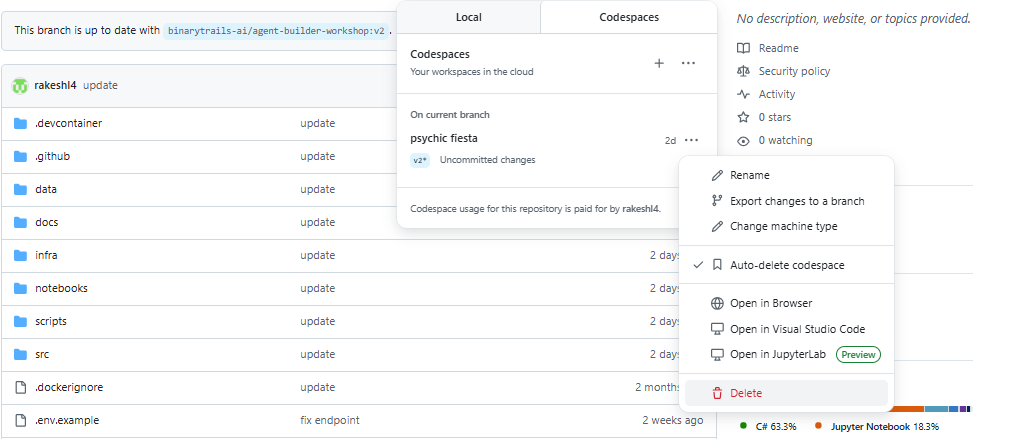
Delete Your GitHub Codespace
- Go to github.com/codespaces.
- To the right of the codespace you want to delete, click ..., then click to Delete.